
Denne side er offentlig.
I Hub Nexus · side 4 af 5
One editor writes every page. What you see is what readers get, and everything it writes is plain Markdown underneath.
The toolbar
Bold, italic, code, headings, quotes, lists, links, tables, maths, footnotes and diagrams are on the toolbar. Recording audio, video or your screen is on its second row, beside search and replace, the outline, Markdown side by side, preview and full screen.

Markdown also works as you type: ## starts a heading, - a list, **bold** is bold.
Maths and diagrams
Write maths between $$ lines and diagrams as a mermaid code block. Both are drawn in place; Code shows the source.

Pictures, film and recordings
Drop a picture or a film into the article, or use the picture button. A picture can be made narrower than the column. Record audio, Record video and Record screen put a recording straight into the page. Films of any length upload in parts and resume if the connection drops.
Files readers open in the page
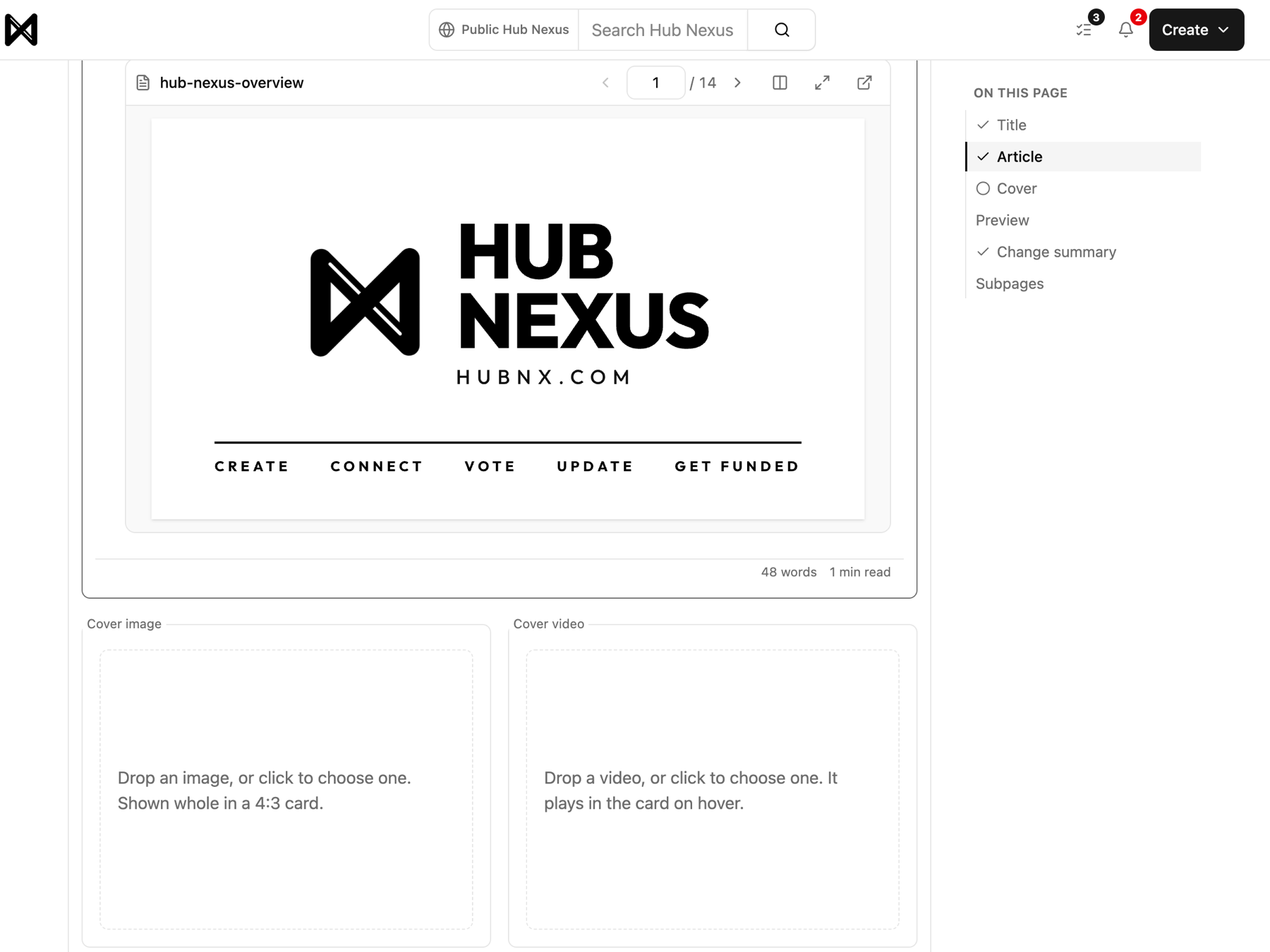
Drop a file in the same way. Readers open it right in the page, full screen, or download the original:
| File | What readers get |
|---|---|
| pages to turn, one at a time or two side by side, with text they can select | |
| CSV or TSV | a table they can sort and search, 50 rows at a time |
| EPUB | a book with its contents, and a larger or smaller text size |
glTF (.glb) | a 3D model to turn and zoom |
| Word, PowerPoint, Excel | converted to a PDF when you add them |



A file that is not what its name says is refused before it uploads, with what to do instead.
In review
When someone proposes a change, reviewers see each file compared: pictures side by side, films and recordings with their length and size, PDFs in two viewers, tables cell by cell. See How to write a page, improve one, and get paid.
I disse publikationerHub Nexus
Licens: Alle rettigheder forbeholdes
Kommentarer
